Simplified import of purchase invoices
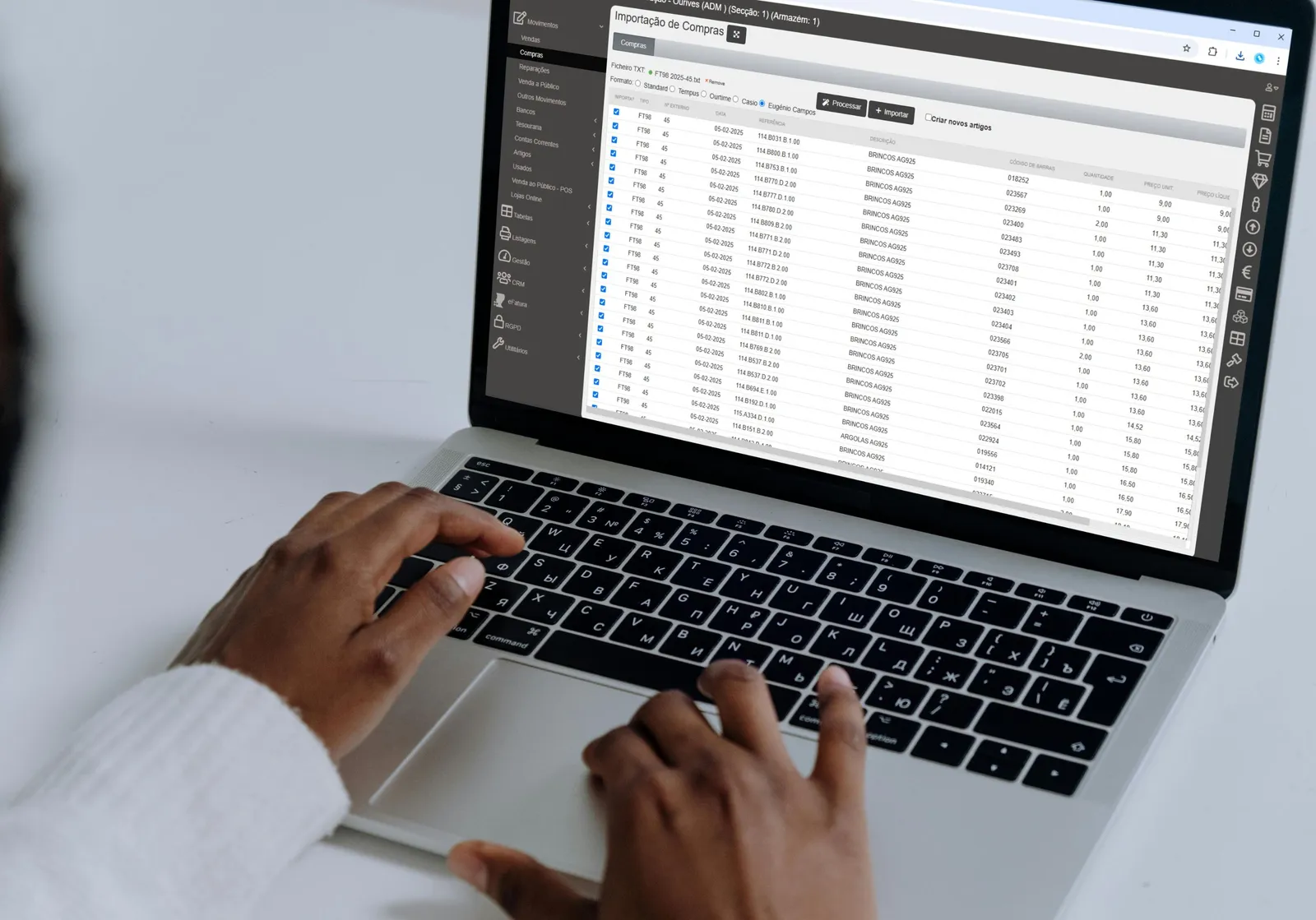
To minimise the time spent entering purchases, ourives lets you import supplier invoices from a TXT file.
When the supplier sends you the invoice (the following suppliers are currently available: Tempus, Ourtime, Casio and Eugénio Campos, ask your supplier to also send it in TXT format, so you can import the invoice in a fraction of a second.
Go to the Purchases option and click the button to the right of the Warehouse button. Then select the supplier and click Select to choose the file. Next, click Process and all the lines in the file are displayed. A line shown in red is an alert that the item does not exist in the database; if you want to create it, click “Create New Items”.
To complete the entry, click Import. To finish the process, go to Purchases, open the last document entered (which is still open), enter the supplier and close the document.
The item goes into stock and you can print labels. Happy buying!